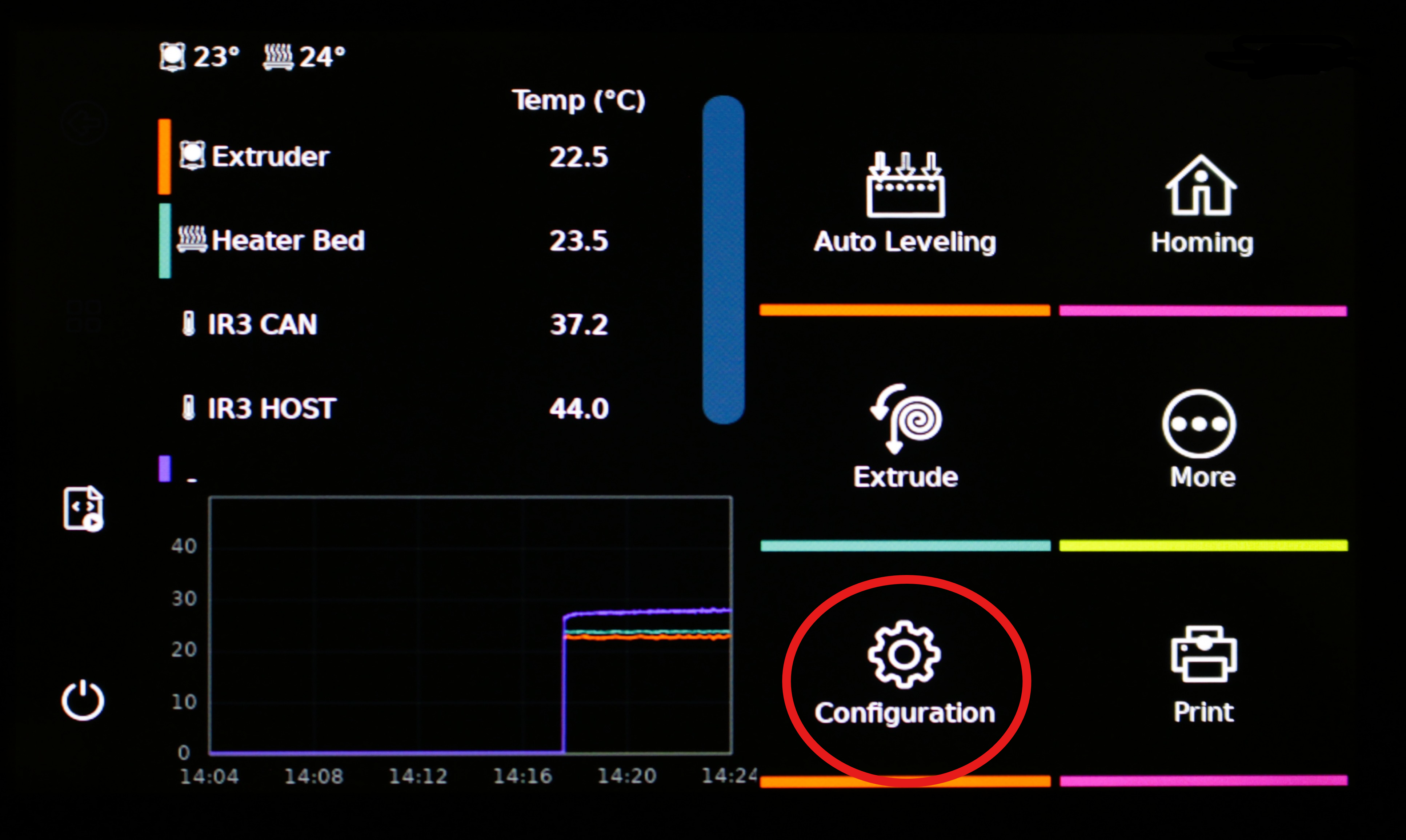
IntegrationsPrinter setupideaFormerConnect to Wi-FiOn this pageConnect to Wi-Fi1. Go to configuration. 2. Go to network. 3. Use the arrow keys to connect the printer to the Wi-Fi. 4. Fill in the password. 5. Connect with the Wi-Fi. 6. Press back when finished. 7. Check network to view the IP address.